
Blog
News and updates on our apps
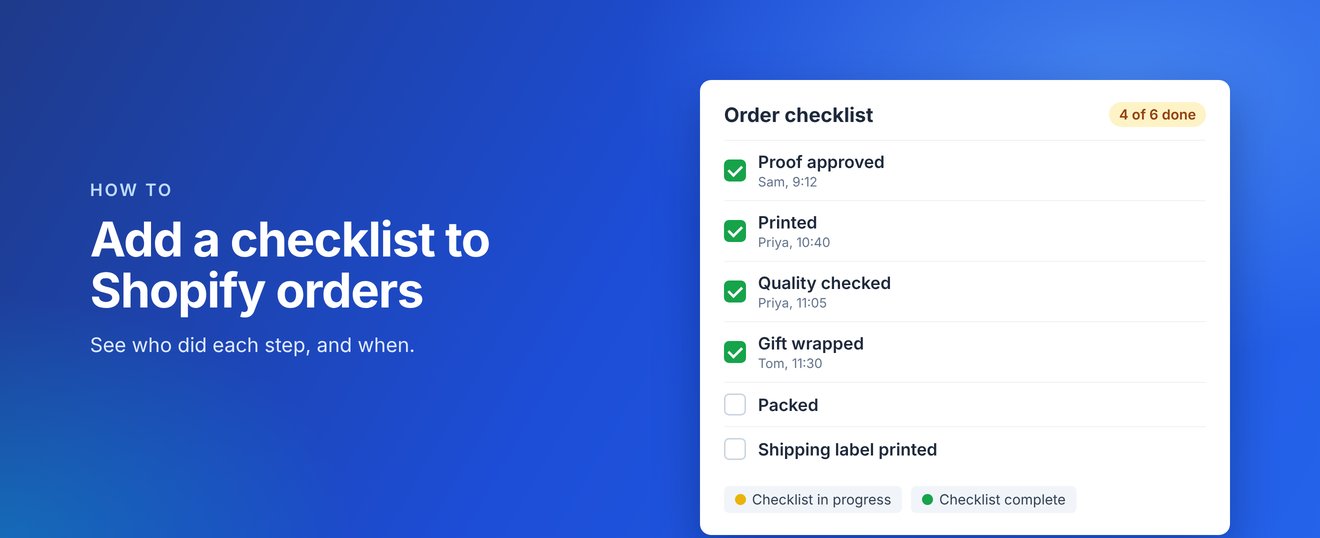
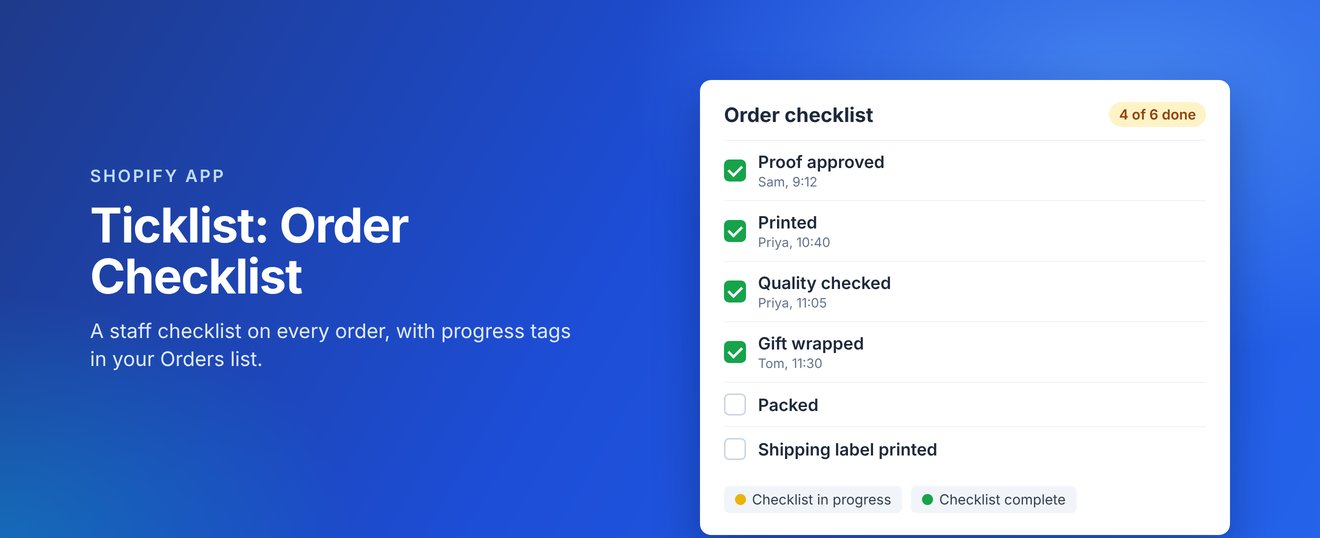
Shopify has no built-in way to check off the steps your team follows for each order. Here is how to add a checklist to every order with Ticklist: Order Checklist, so nothing gets missed.
1. Write down your steps
List the steps every order goes through, in the order they happen, for example Proof approved, Printed, Quality checked, Packed and Shipping label printed. Keep the names short so they are easy to scan.
2. Add them in Ticklist
Install Ticklist from the Shopify App Store, open it from Apps and add your steps, or click one of the suggestions. You can rename, reorder and remove steps at any time, and there is no limit on how many you add.
3. Pin the checklist to your order page
Open any order, click + App block at the bottom of the page, choose Order checklist and pin it. The checklist then shows on every order for your whole team.
4. Tick off steps as you go
Each tick records the staff member's name and the time, and the order shows how far along it is, for example "4 of 6 done".
5. Find orders by progress
The first tick tags the order Checklist in progress, and the last tick changes it to Checklist complete. Filter your Orders list by these tags to see what has started, what is finished and what has not been touched.
Ticklist costs $6.99 USD a month, or $69.90 USD a year, with a 14-day free trial, billed through Shopify.
Coming soon
Ticklist: Order Checklist is coming soon to the Shopify App Store. Find out more at checklist.zieasoft.com, read the Ticklist help guides, or see how it fits with our other apps on our apps page.