
Blog
News and updates on our apps
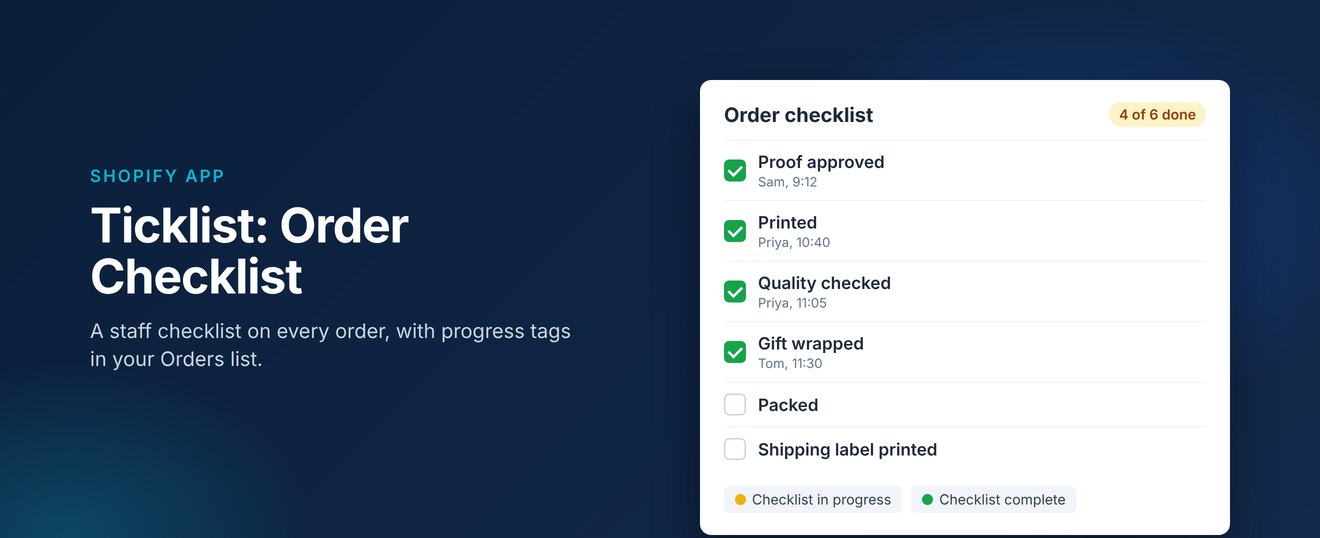
Our first Shopify app is nearly here. Ticklist: Order Checklist adds a simple checklist to every order in your Shopify admin, so your team can tick off each step and everyone can see where an order is up to.
Why we built it
When several people handle the same order, small steps get missed. Has the proof been approved? Was it quality checked? Did anyone gift wrap it? Ticklist puts those steps on the order itself, so nobody has to ask.
How it works
- Set your steps once. Add the steps your team follows for every order, such as Picked, Quality checked, Gift wrapped or Shipping label printed. You can rename, reorder and remove them at any time.
- Tick them off on the order. The checklist sits on the order page in your Shopify admin. Each tick records who did it and when, and the order shows how far along it is, for example 4 of 6 done.
- See progress in your Orders list. The first tick tags the order as in progress, and the last tick changes it to complete. Filter your Orders list by tag to see what's started, what's finished and what hasn't been touched.
Ticklist works only inside your Shopify admin. It doesn't change your theme or checkout, and it doesn't read your customers' details.
Pricing
Ticklist will cost $6.99 USD a month, or $69.90 USD a year, with a 14-day free trial. It's billed through your Shopify account, so there's nothing extra to set up.
Coming soon
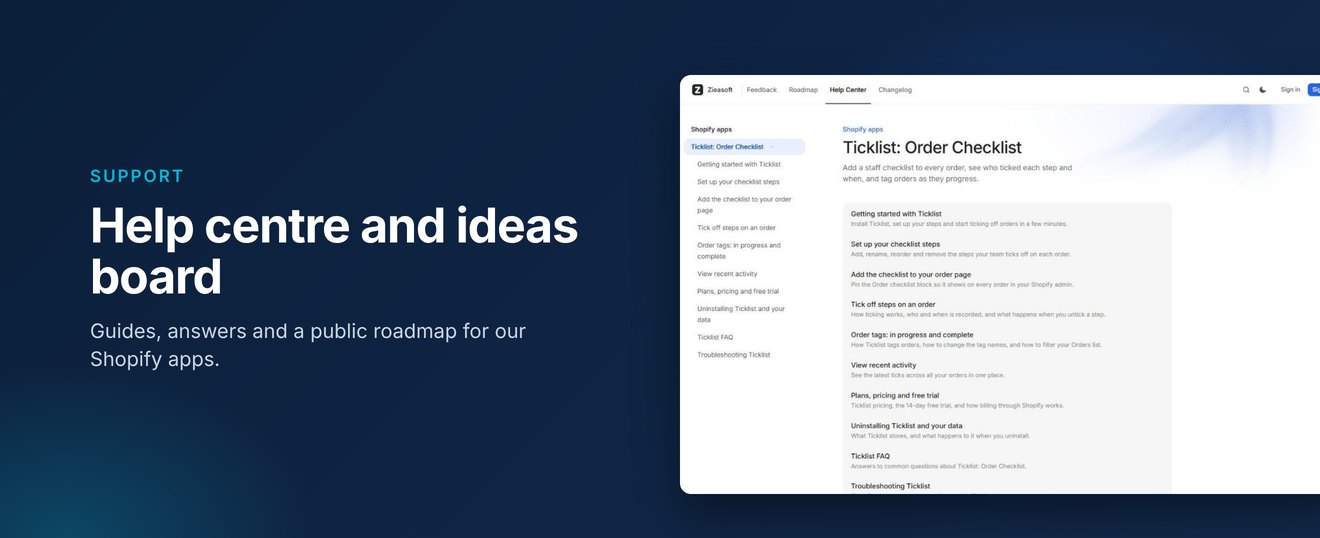
Ticklist will be available on the Shopify App Store shortly. In the meantime, you can read the Ticklist help guides, or tell us what you'd like it to do next on our ideas board.